
* The user should have the MFC mobile app on his phone.
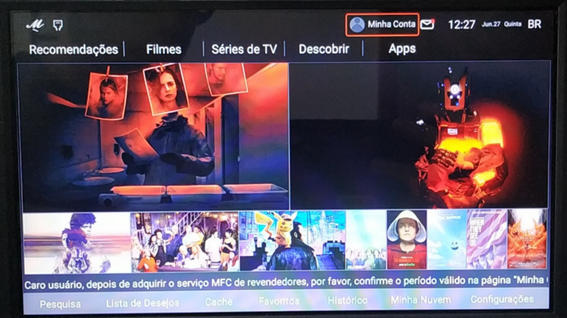
The first step is enter on the option “My Account” on MFC app.
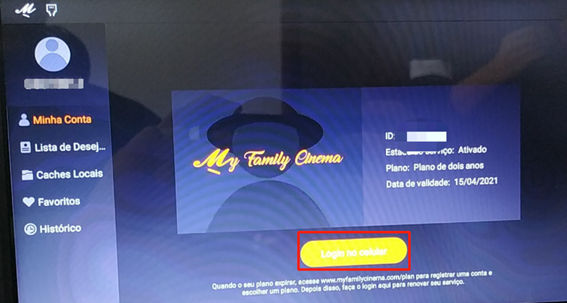
After this we should access the option ”Login on the mobile app” how shown in the image below:
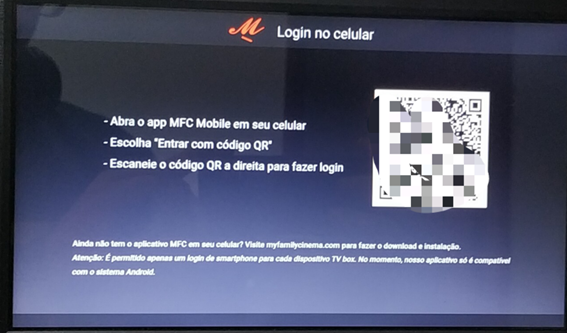
Will appear the page with a QR code:
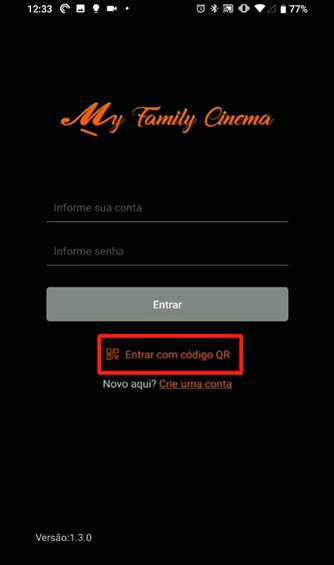
On the mobile app go to the option “Login with QR code”:
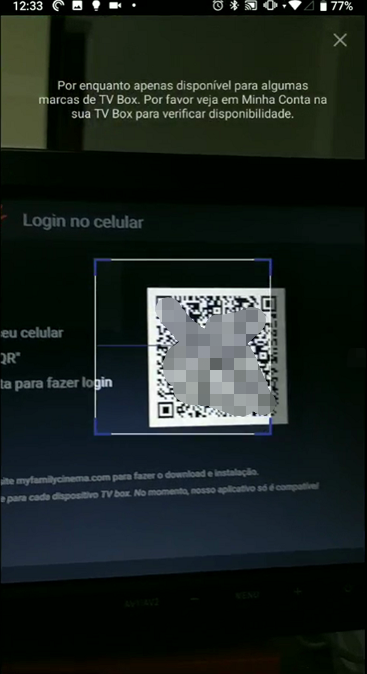
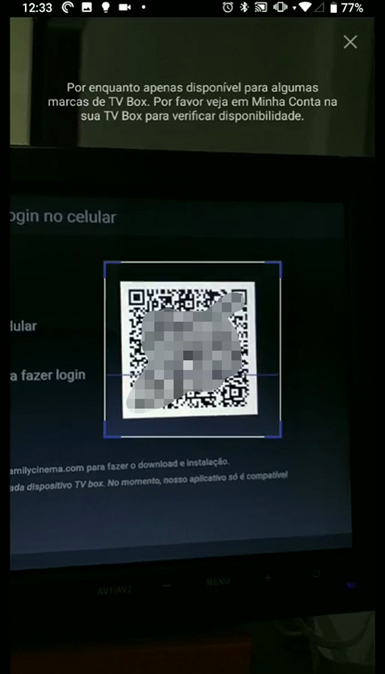
Now we need to align the white square of the QR code with the camera square. How shown in the example below:
Ideally the cell phone be parallel to the TV as in the image below:
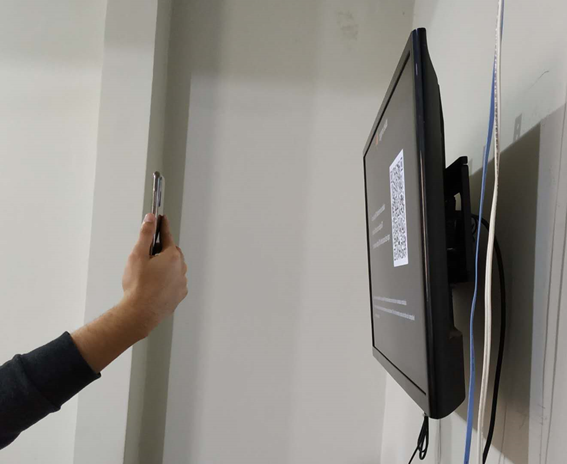
NOTE: If it is difficult to read the code, try changing the shooting angle and also zoom in or out of the smartphone.
Attached is the tutorial in Portuguese.